Buy form MyACG via LetsGoBuy Taiwan
Update LetsGoBuy Taiwanhas changed their policy and does not execute orders for adult products anymore. We work on a tutorial for an alternetive proxy service. Of cause for none adult products you can still use LetsGoBuy Taiwan.
Like a lot of proxy services, LetsGoBuy Taiwan has multiple steps from the point of buying a product, until it's delivered to your door. This might make the initial process a bit more complicated than a typical order from a store. However, this also adds more flexibility for you.
Video
We ask a friend to make a video for you. It's a slightly shorter version Of the article you can read further down.
You have the option to watch this content is on YouTube in HD. However, starting it on YouTube means that data
about you may be stored by Google. Disclaimer.
Alternatively, you can watch the video on your website in lower quality without the risk of YouTube tracing your data.
Written Content
This Article describes the following steps:
- Step 0 Create user
- Step 1 Request to ordering items from Shop
- Step 2 LetsGoBuy Taiwan checks your order - may ask question or adjust price
- Step 3 You approve and pay for items and service (First payment)
- Step 4 Shop delivers items to LetsGoBuy Taiwan
- Step 5 Request delivery to you
- Step 6 Payment for shipping cost (Second payment)
- Step 7 LetsGoBuy Taiwan sends items to you.
- Step 8 your local customs might raise additional customs. (optimal taxes )
This looks like a lot. We will explain all the steps. It is interesting to note that you have influence at Step 1 and Step 6. So, for example you can order from three different shops in Step 1 and then add them into one package. Or you might actually order multiple items from one shop and then ask in Step 6 to split it into multiple packages to be under a certain taxation limit. You also have the option to ask LetsGoBuy Taiwan questions at multiple steps in english.
Step 0 Create user
As usual you need to have a user account. It's a typical procedure, click on the [Member center] and fill out the form or use Facebook.
Step 1 Request to ordering items from Shop
Step 1.1 Preparation
In this example we will order 3 Items from the Abyss store via MyACG (link). As you notice the page surprise, surprise is in traditional Chinese. In Chrome you can right click and request google to translate the webpage for you (there are plugins for other browsers). Since all Items our come from the same page we have given additional instructions, on how to select the items.
We want the Acrylic drawing and the two key-chain Pendants. Let's prepare a text editor and copy the name in English and Chinese as well as the piece in a list:
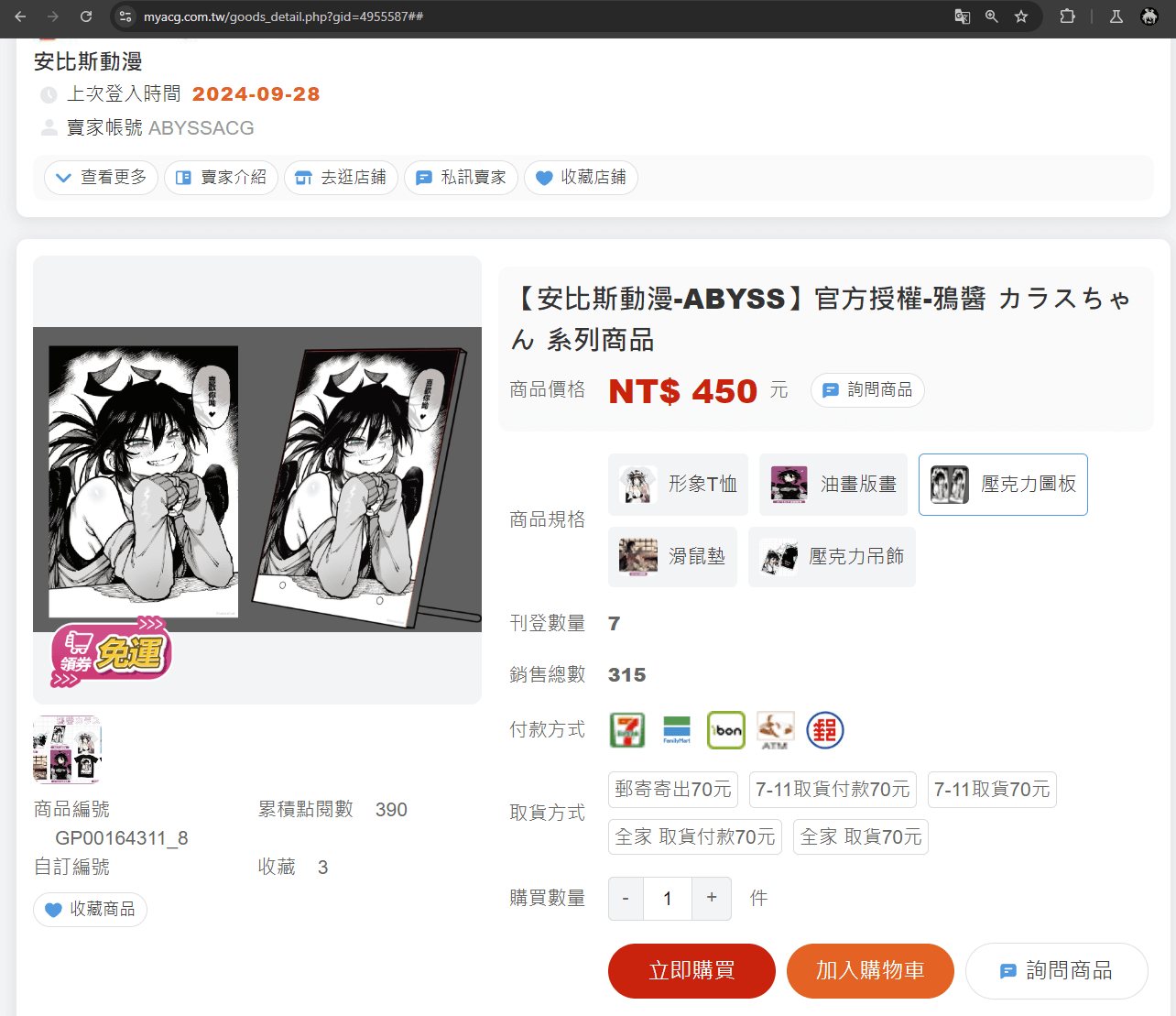
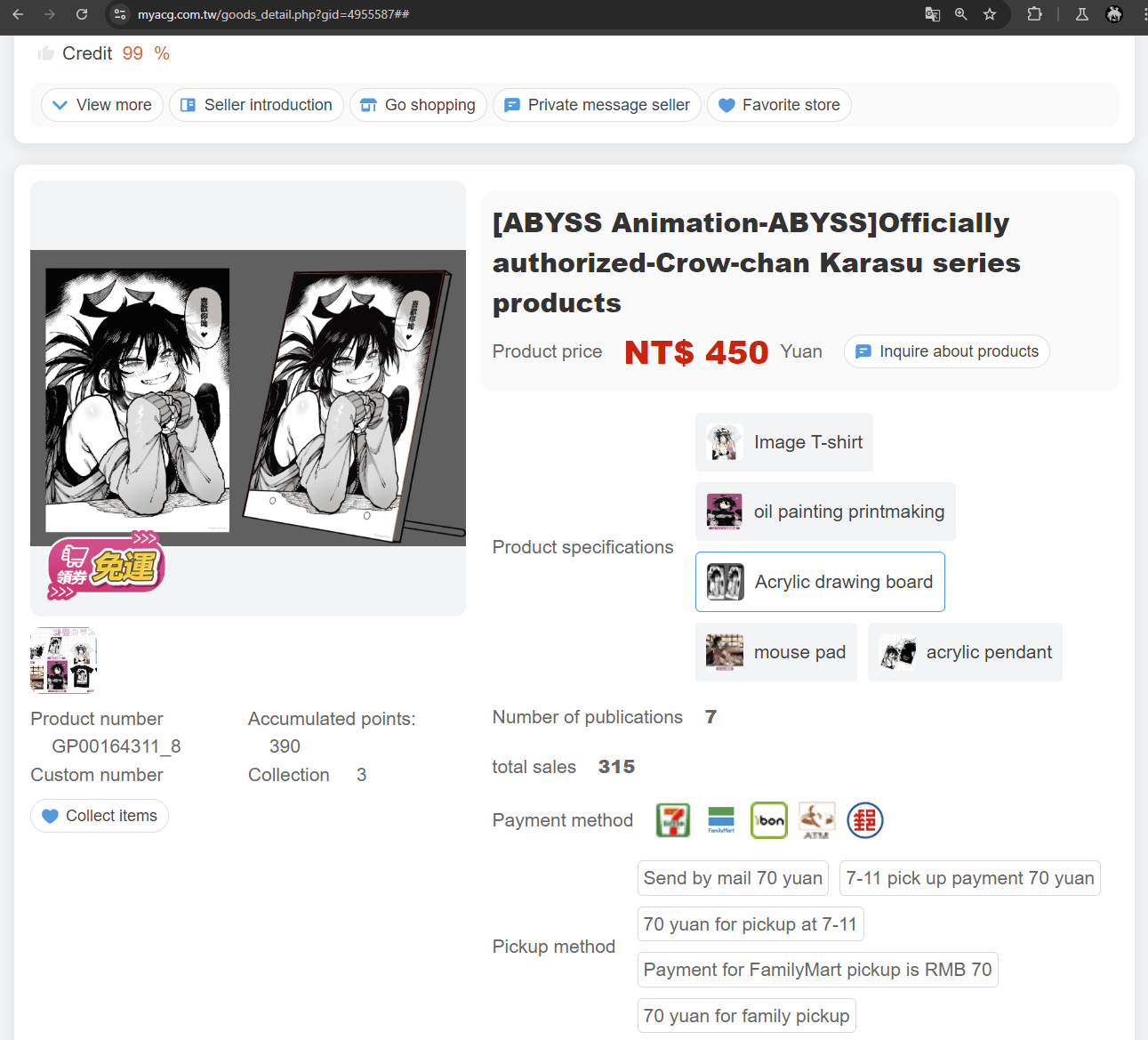
Since the user has to click on the acrylic pendant first to reach the two other items, I also copied the main
category.
Step 1.2 Create Order
At LetsGoBuy Taiwan, we will start on the [SEND NEW ORDER] page, we are interested in [Buy service]. There is a Bid service for platforms that is similar to eBay but we will not go into that here. Click on [Buy service].
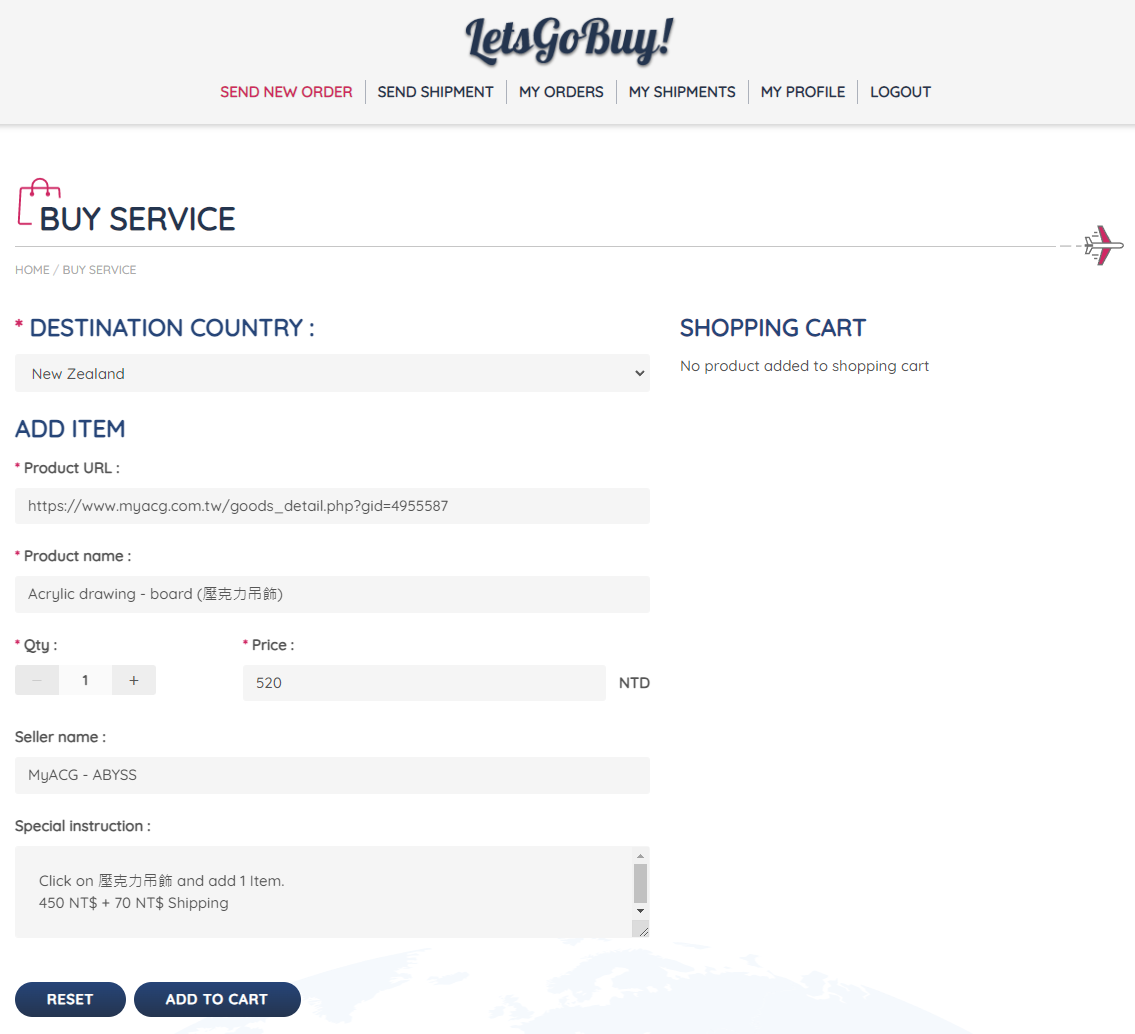
On the next page we have to fill data for one product (We ignore quantities in this example). So we will see this page 3 times. For every item once.
is your target/ home country. So, where you plan to send the items to in the end.
This is the URL of the website you want to order from. The link from Step 1.1.
We recommend her to fill in the name in English and Chinese. This name will be used later in summaries on LetsGoBuy Taiwan. So let's make it easy for us and the Proxy Team so we add both.
In this example we calculate shipping and product pieces together. In our experience the LetsGoBuy Taiwan staff is clever enough to recognize that it is from one store so they will likely only charge you one time shipping. However, let's simply show that we are willing to pay shipping for every item.
Here we add the store name.
Since the user has to select the item on the page. We describe here what to select.
So I start with
450 NT$ + 70 NT$ Shipping
After that we click on [ADD TO CHART] and fill in the next item.
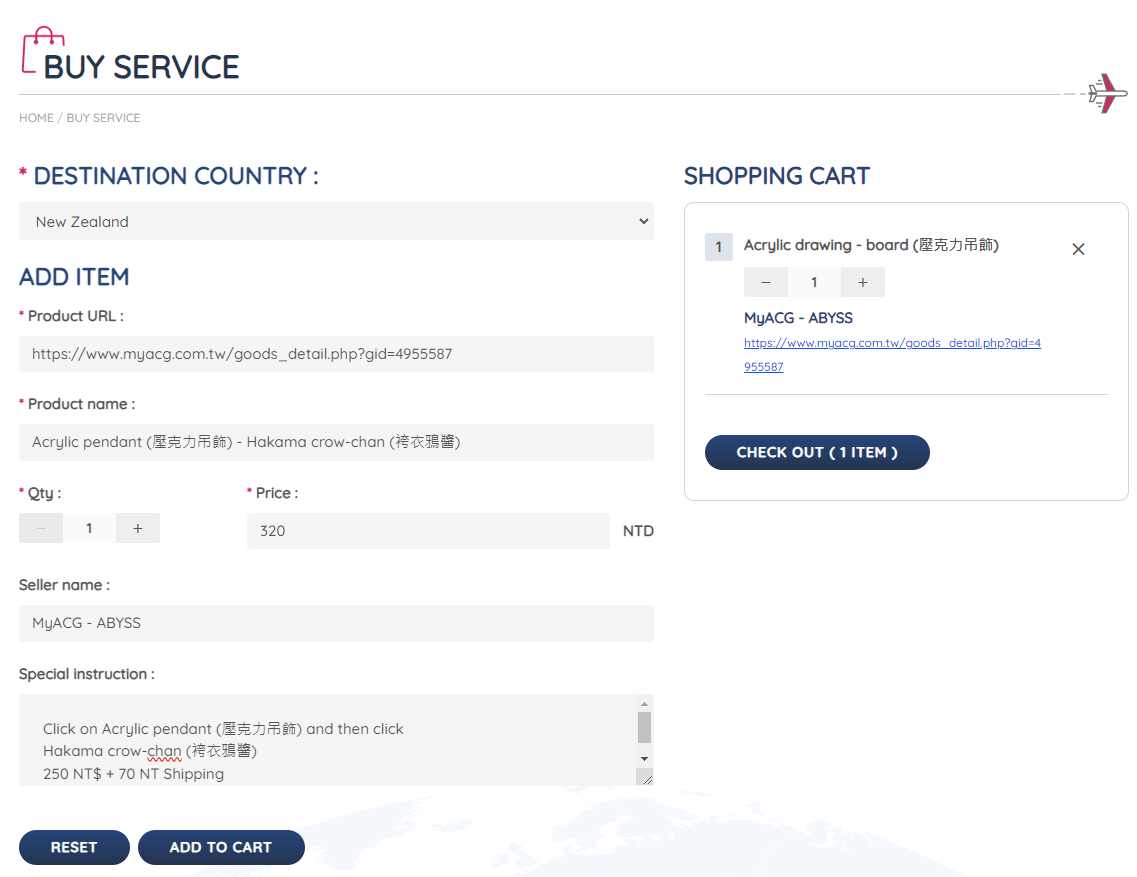
Hakama crow-chan(袴衣鴉醬)
250 NT$ + 70 NT Shipping
And [ADD TO CHART] to add the final Item.
Cheongsam crow sauce(旗袍鴉醬)
250 NT$ + 70 NT Shipping
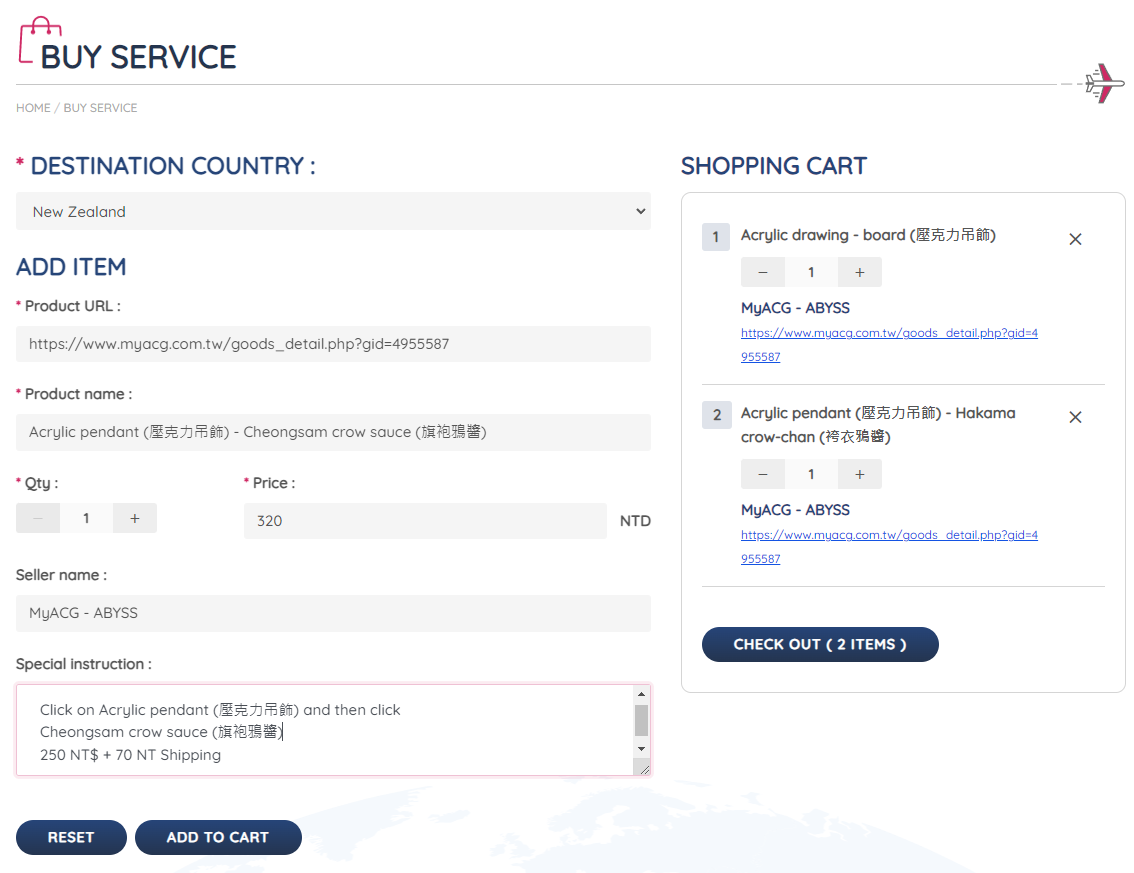
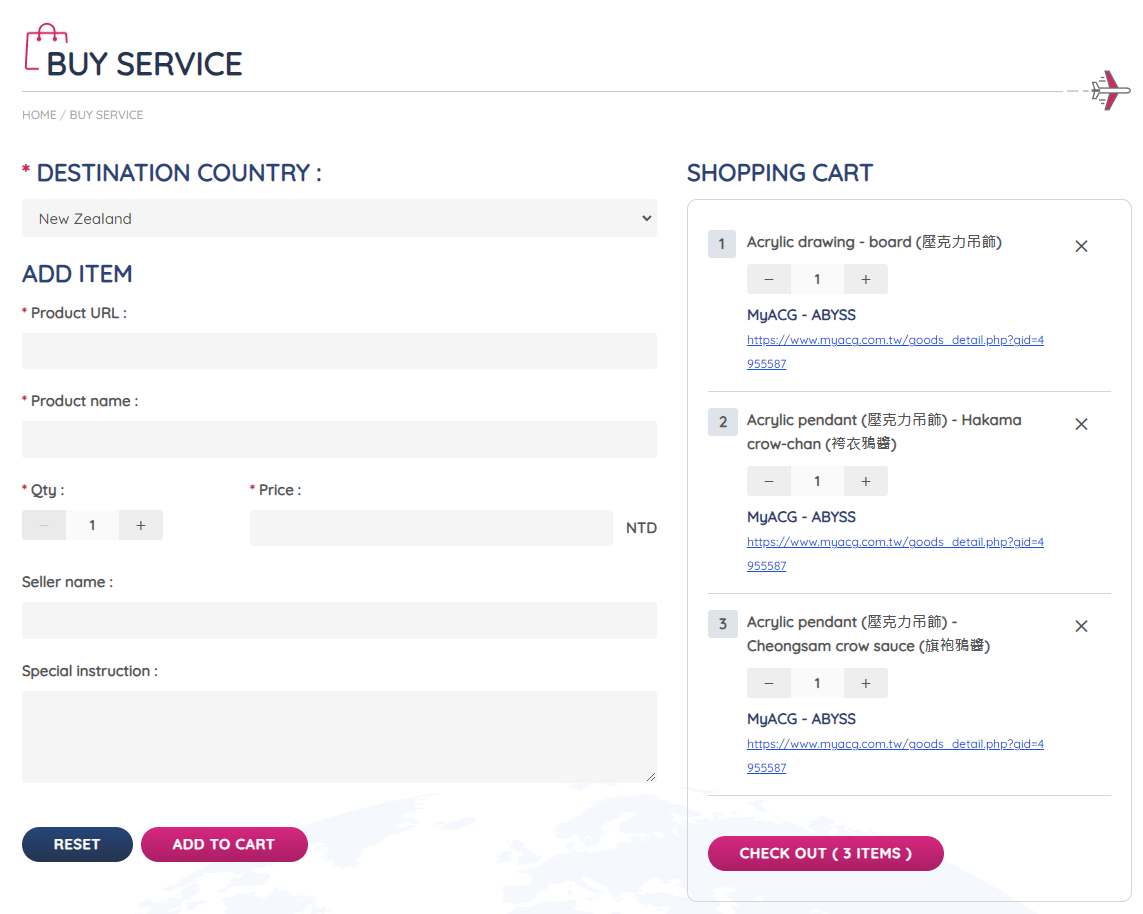
And [ADD TO CHART] to add the final Item.
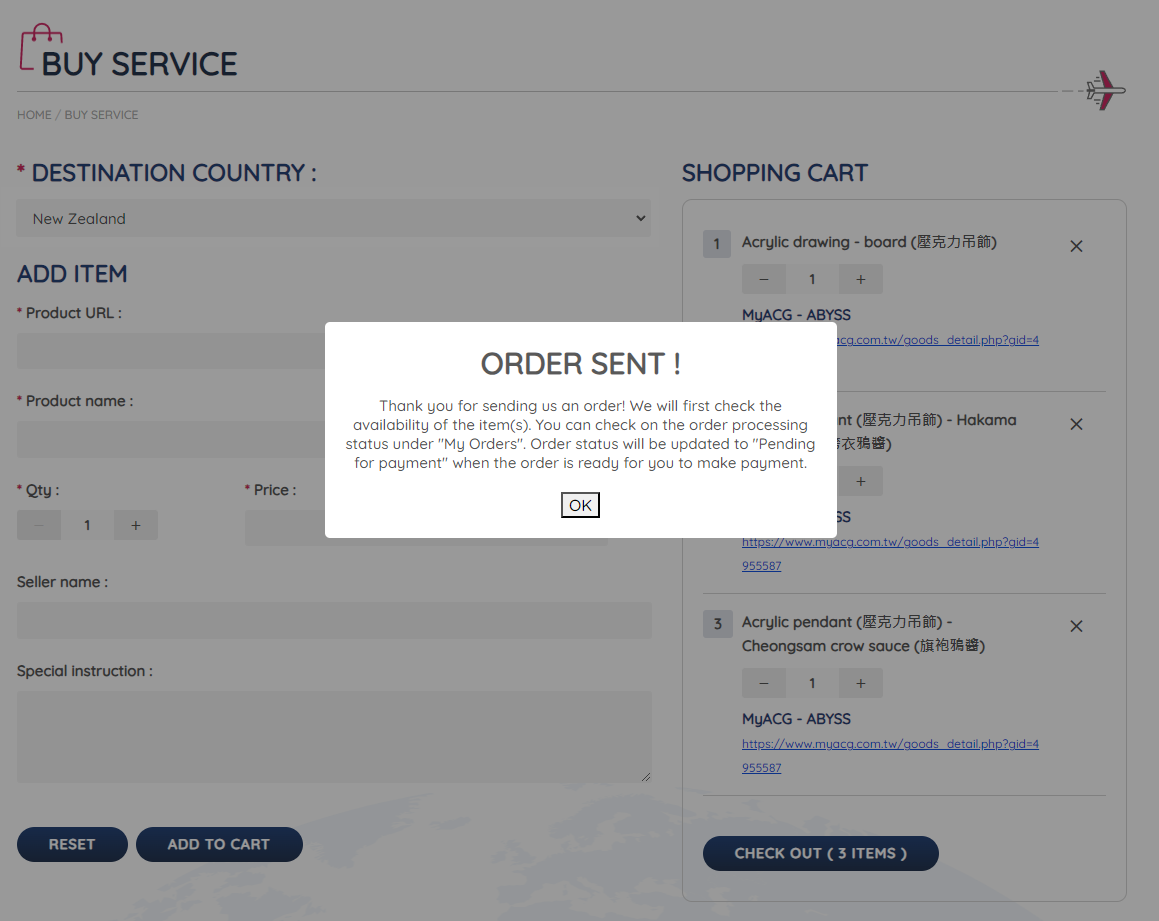
We click one last time on [ADD TO CHART] and then on the right side on [CHECK OUT (3 ITEMS)] We get a popup ORDER is SENT!
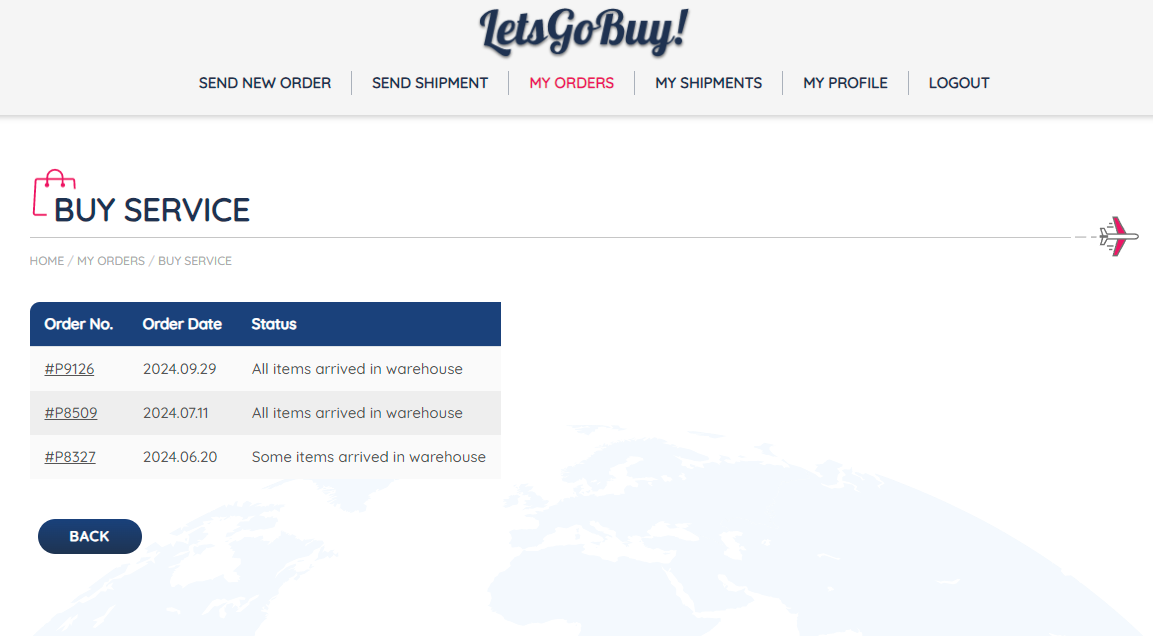
When clicking [OK] or when clicking in the top Menu on [MY ORDERS] you can see a summary of our order request.
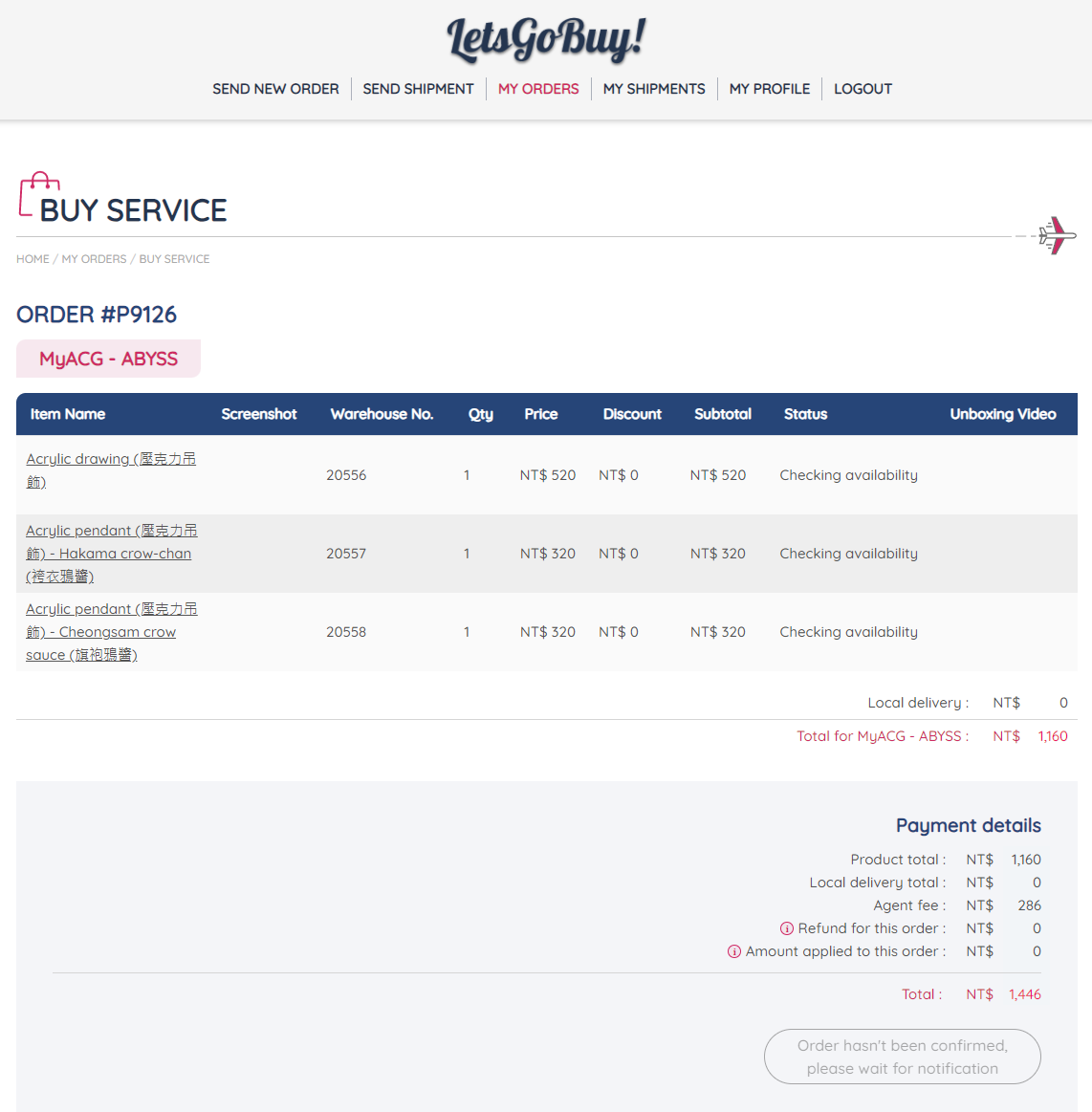
Step 2 LetsGoBuy Taiwan checks your order (Proxy service)
Now we have to wait for LetsGoBuy Taiwan to check your request. This usually takes 1 to 2 busses days.
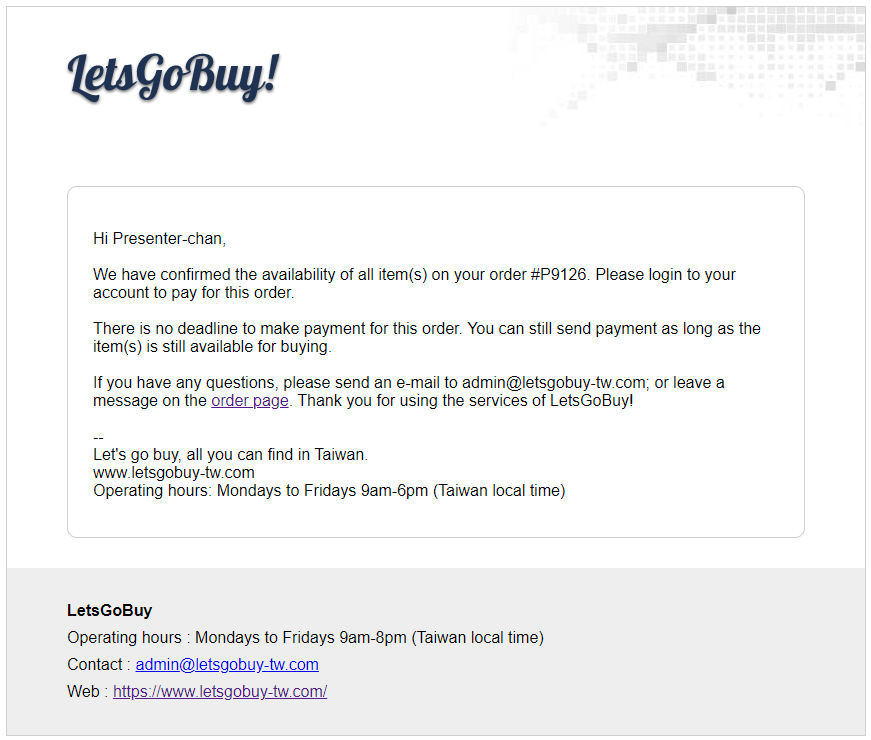
You will get an E-Mail about the availability of your items, and to check your order.
Step 3 Approval and payment for ordering items
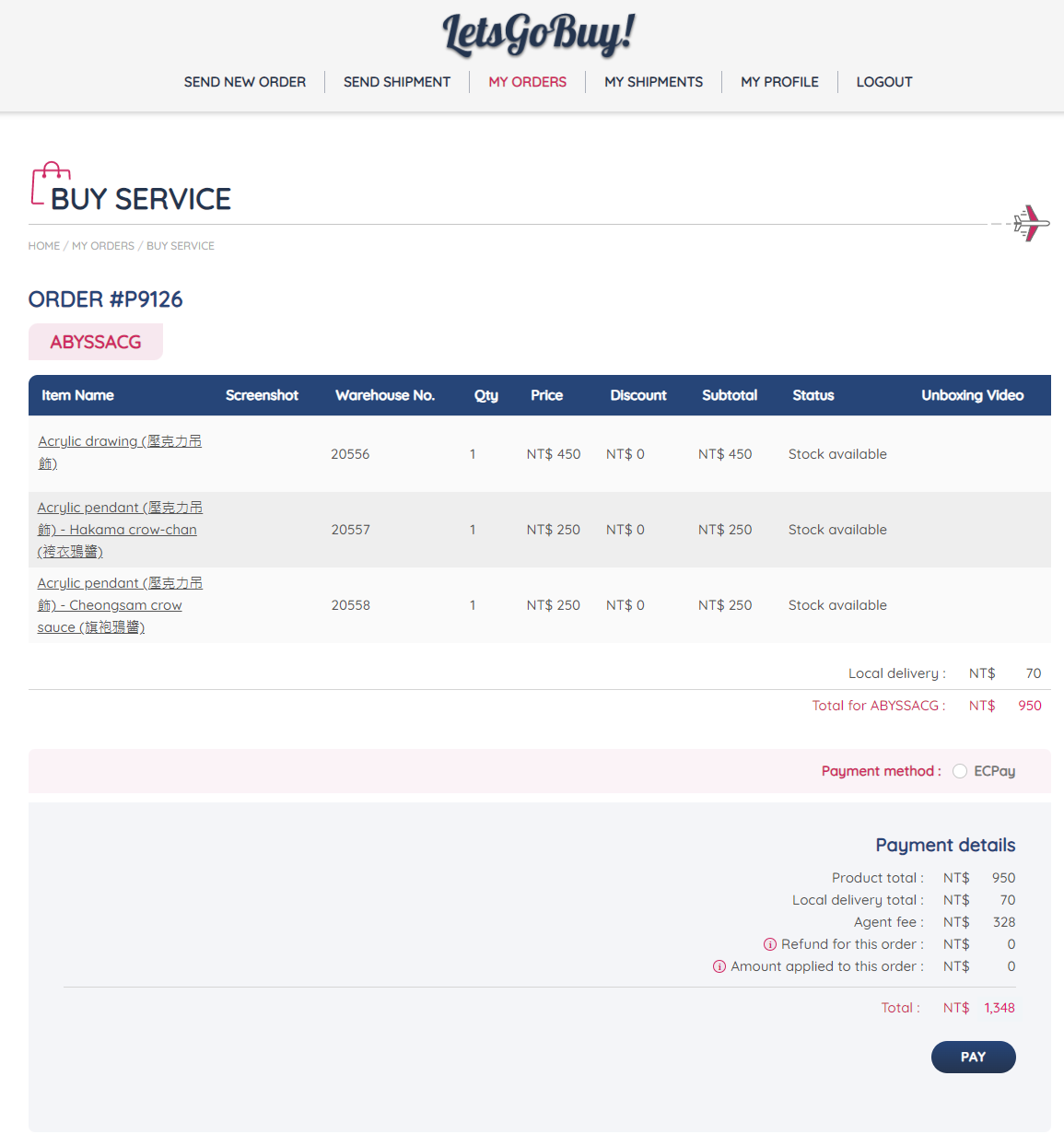
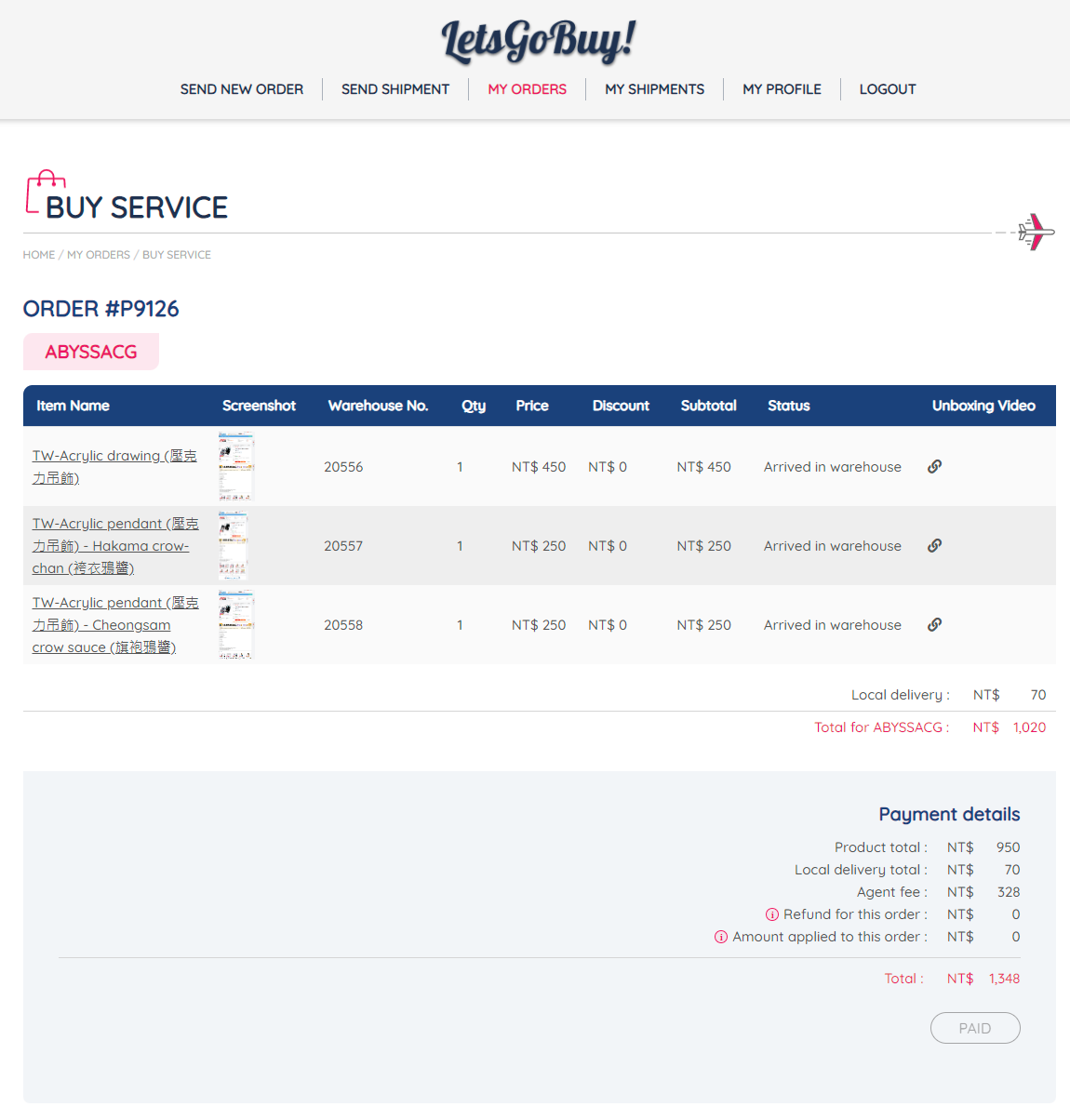
Ok now it's time to pay for the Items, in this case LetsGoBuy Taiwan adjusted the price and only charges for one delivery from the Abyss store to their warehouse. So instead of the initial 1,446 NT$ I have only to pay 1,348 NT$. Keep in mind this payment does NOT include the shipping from Taiwan to you. You have to pay for packing and shipping later (Step 7).
Select the payment method [ECPay] and click on [Pay] at the bottom.
Fill out your Credit card information. I had no problems with my US bank.
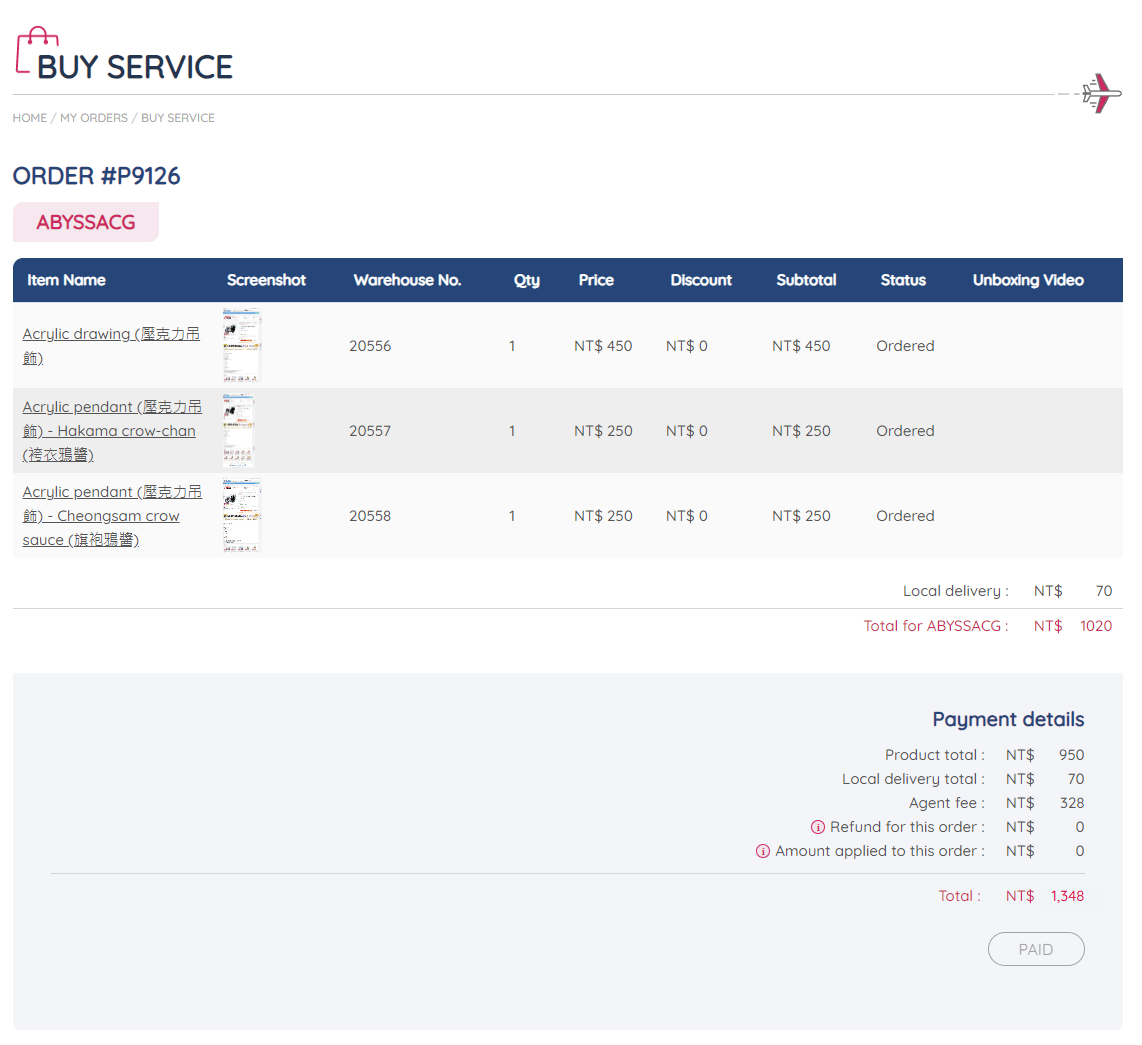
You will see the order as PAID in the end.
LetsGoBuy Taiwan will now order the Items for you.
Step 4 Shop delivers items to LetsGoBuy Taiwan
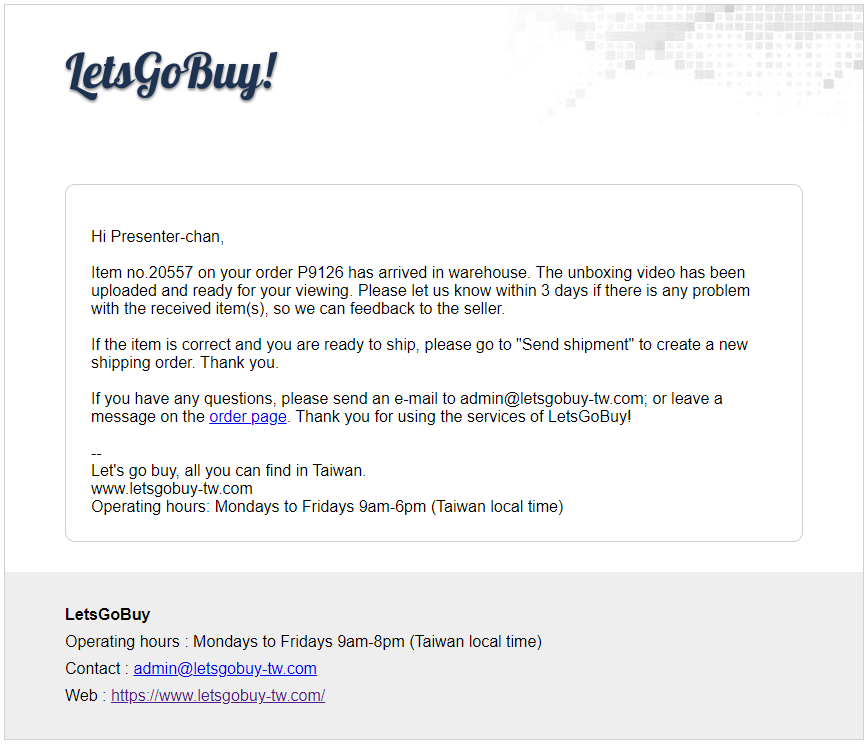
You should get another E-mail that your order has arrived in the warehouse.
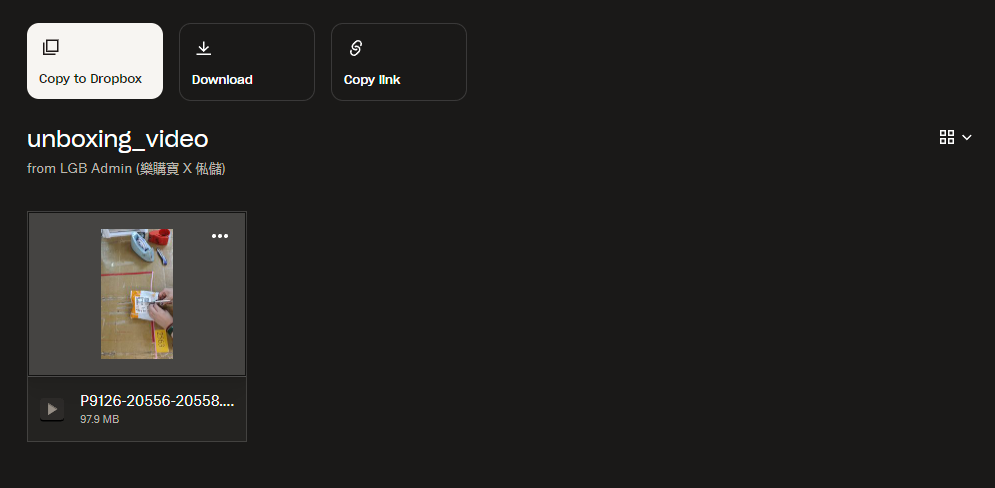
You can login manual or follow the link in the E-Mail. The shop (ABYSS) has to send the Items to LetsGoBuy Taiwan. When clicking on your order inside of [MY ORDERS] you should now see links (on the right) with unboxing videos.
Step 5 Request delivery to you
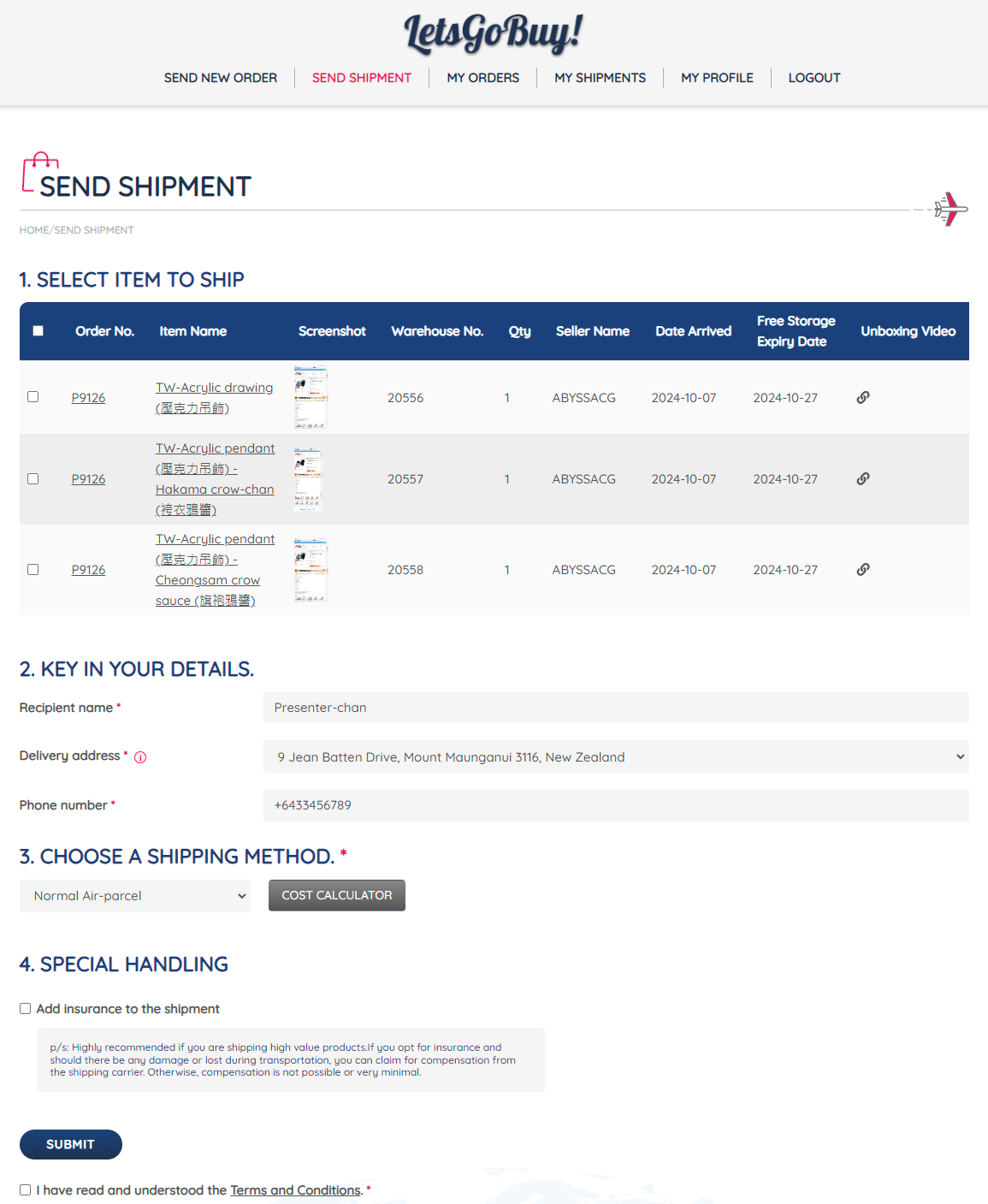
Now let's ship the items. Click on [SEND SHIPMENTS] and in 1. Select Item to ship select all items you want to create a shipment for. You could now produce multiple packages. In this example we select all items and create one shipment.
In Section 2. Key in your details enter the Recipient name (Name on the package) the Delivery address and a Phone number (this is useful when the customs office or the delivery company has to contact you).
In Section 3. Choose a shipping Method that suits your needs. We mostly used Normal Air-parcel since it's mostly the most cost-effective option for our case.
Final Section 4. Special Handling. You can add additional insurance for your shipment. We never had problems with the delivery and never used this or the claiming process.
To finish this page section, I have read and understood the Terms and Conditions. And click [SUBMIT]
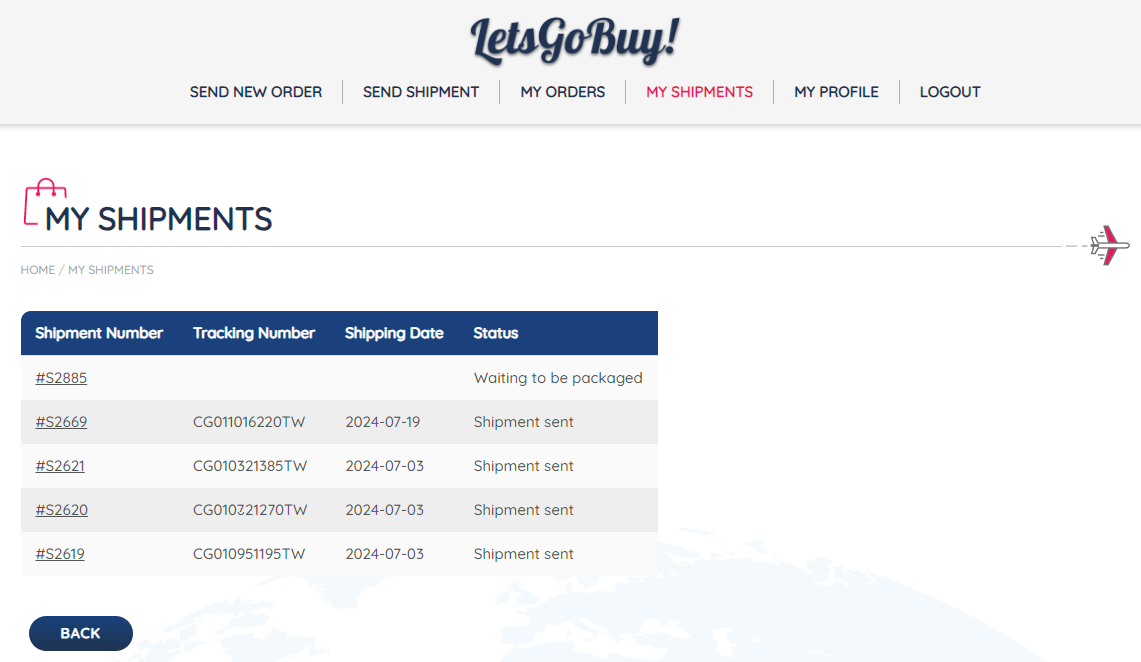
After this you can see your shipping request inside of [MY SHIPMENTS] it should have the status Waiting to be packaged.
Step 6 Payment for shipping cost
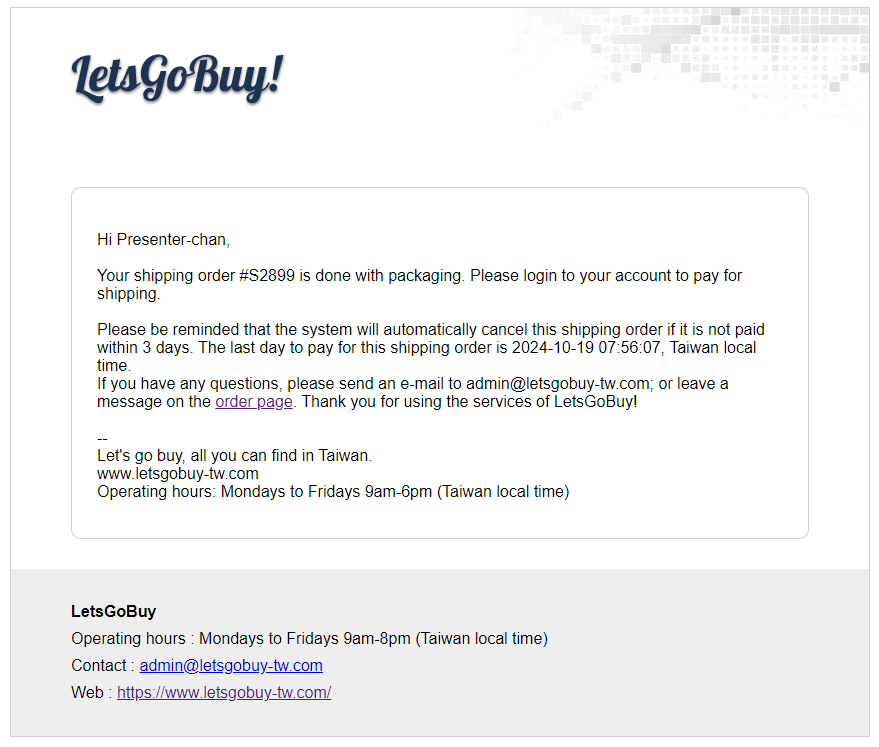
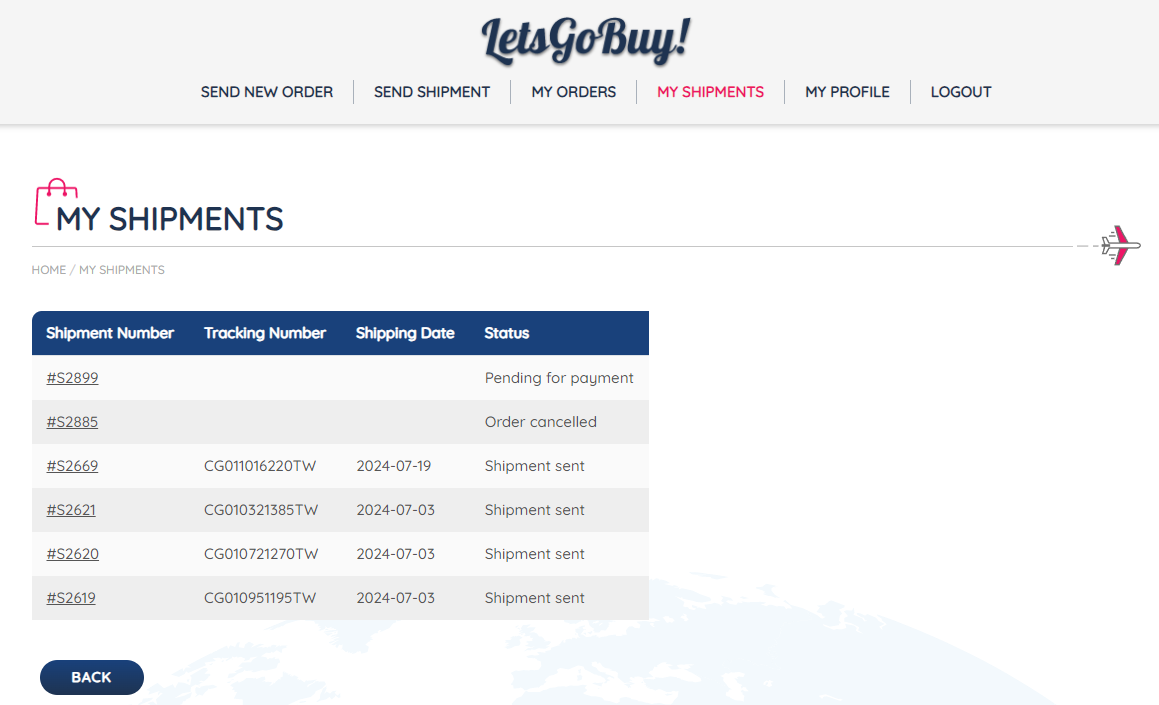
After packaging you will get another E-Mail to pay for the shipment. Please do this on time, or your Shipping request will be automatically canceled. Inside of [MY SHIPMENTS] you should now see your order with the status Pending for Payment.
Click on the Shipping Number and proceed with the payment.
You should see a summary with your shipping address, all the items and payment details.
Select the Payment method [ECpay] and click on [Pay] at the bottom.
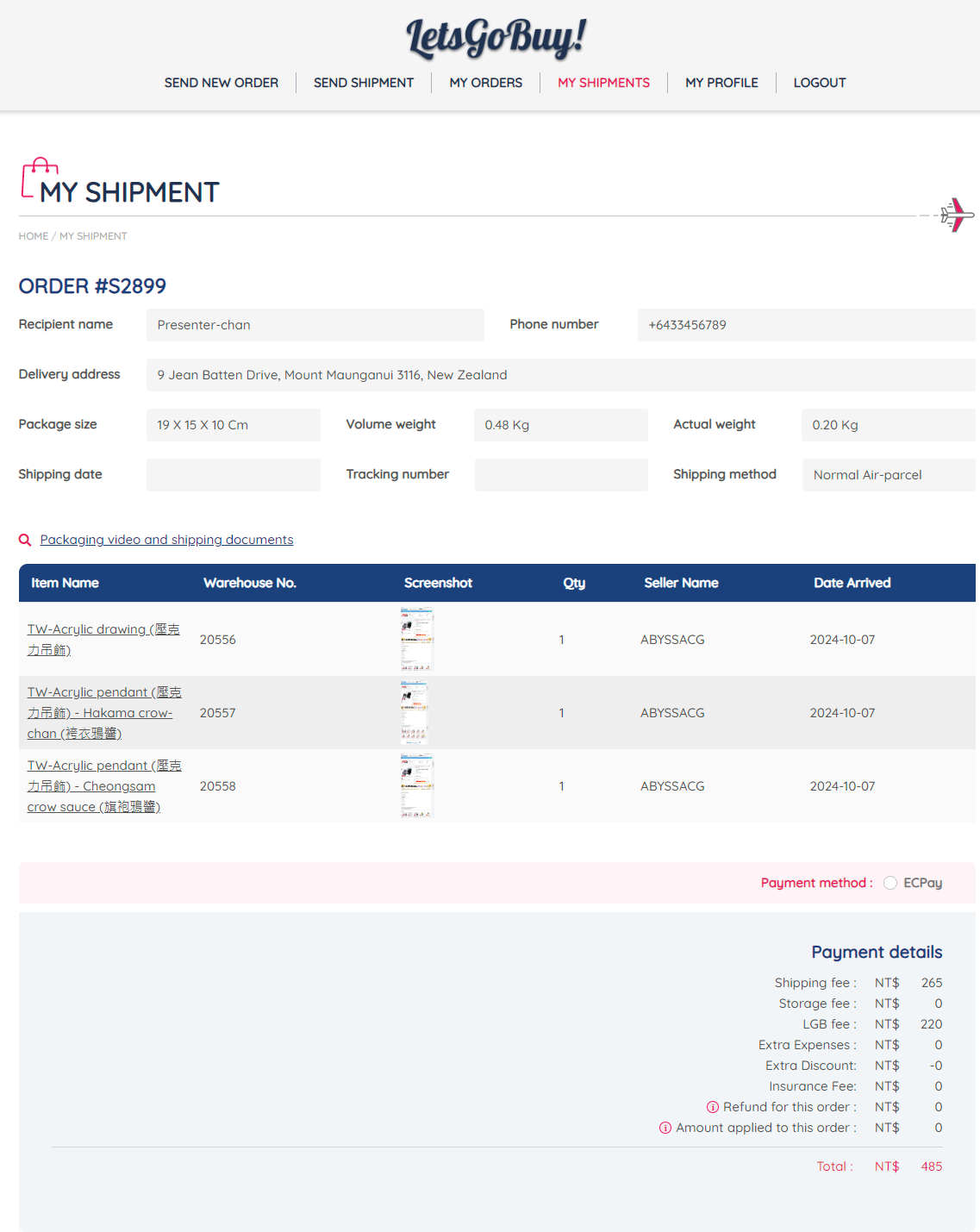
Step 7 LetsGoBuy Taiwan sends items to you
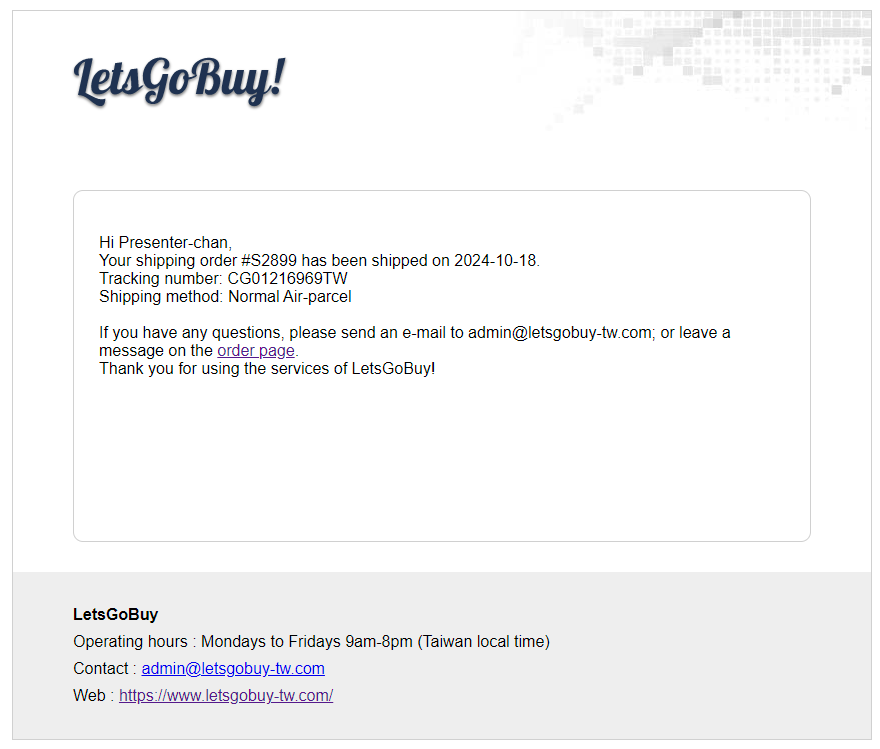
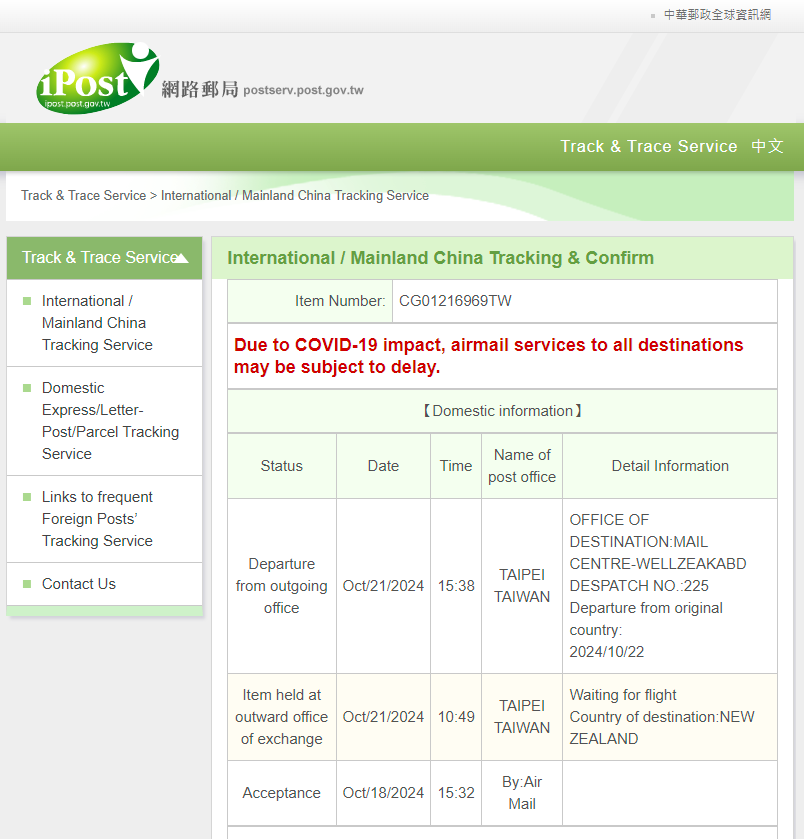
You should get an E-Mail that your item got shipped. If you have used Normal Air-parcel you can track your order on Chunghwa Post. By simply copying the tracking number from the E-Mail.
Step 8 your Local customs might raise addition customs (optional LetsGoBuy Taiwan)
This depends on your country. I recommend checking on the tracking status of step 7. Normally your local import tax office or the delivery company will contact you if addental taxes are open, however in some cases you have to follow up yourself. This depends on your local laws and the amount you have purchased.
Of course, this means that LetsGoBuy Taiwan includes a list of the included items on a pouch outside of the package. Interesting to note, in our experience they will describe the products quite neutral. So, you may have descriptions like Comic book, Key-chain or Picture.